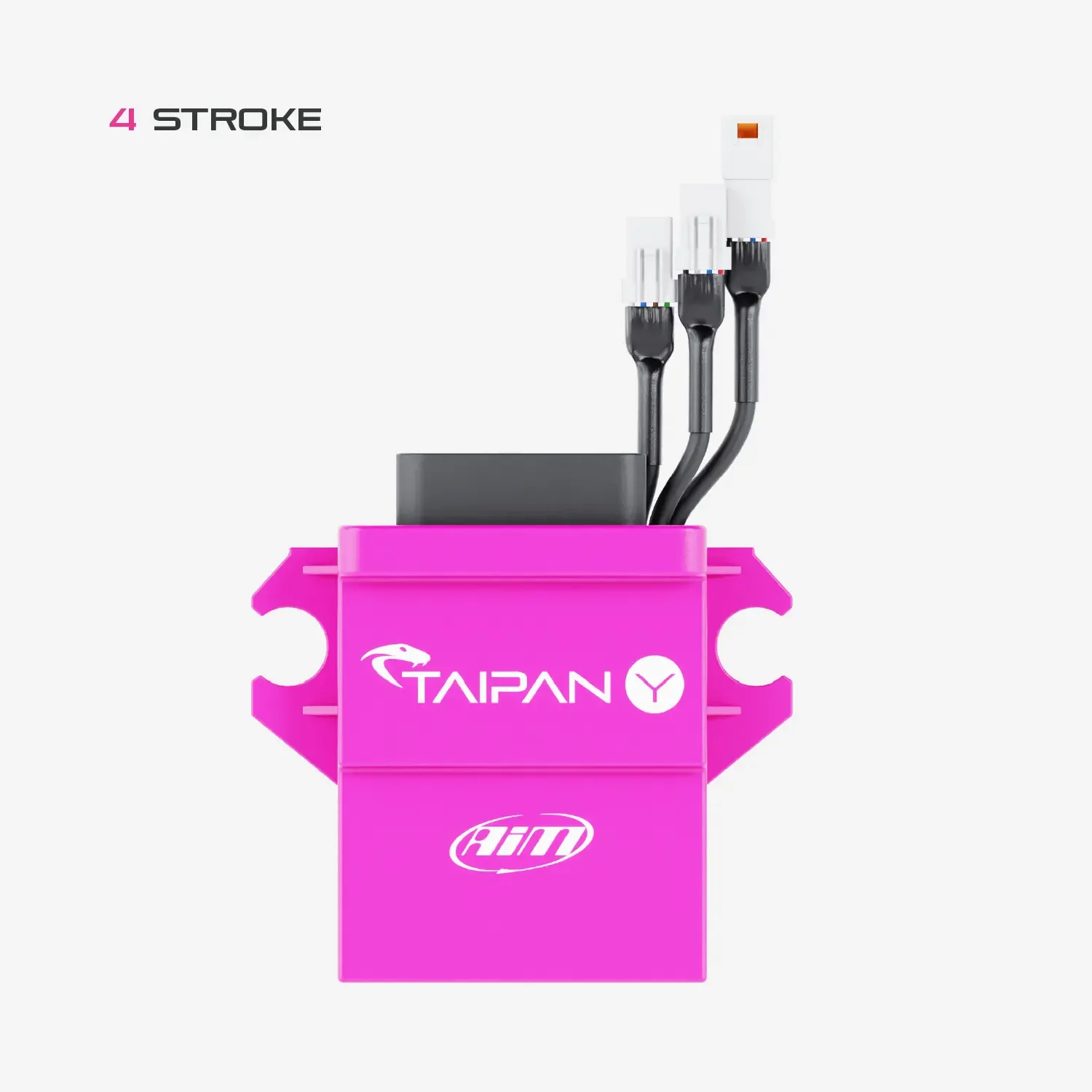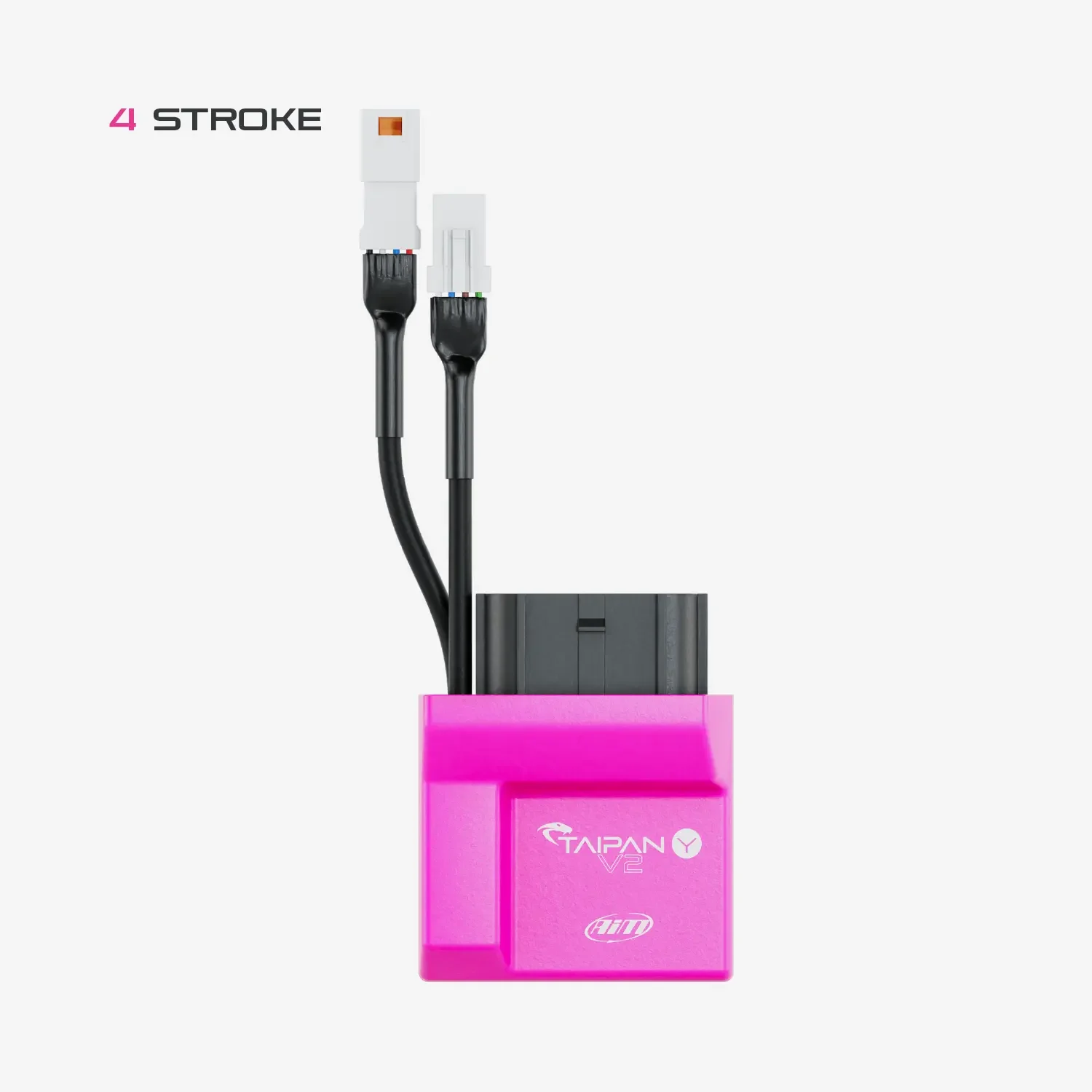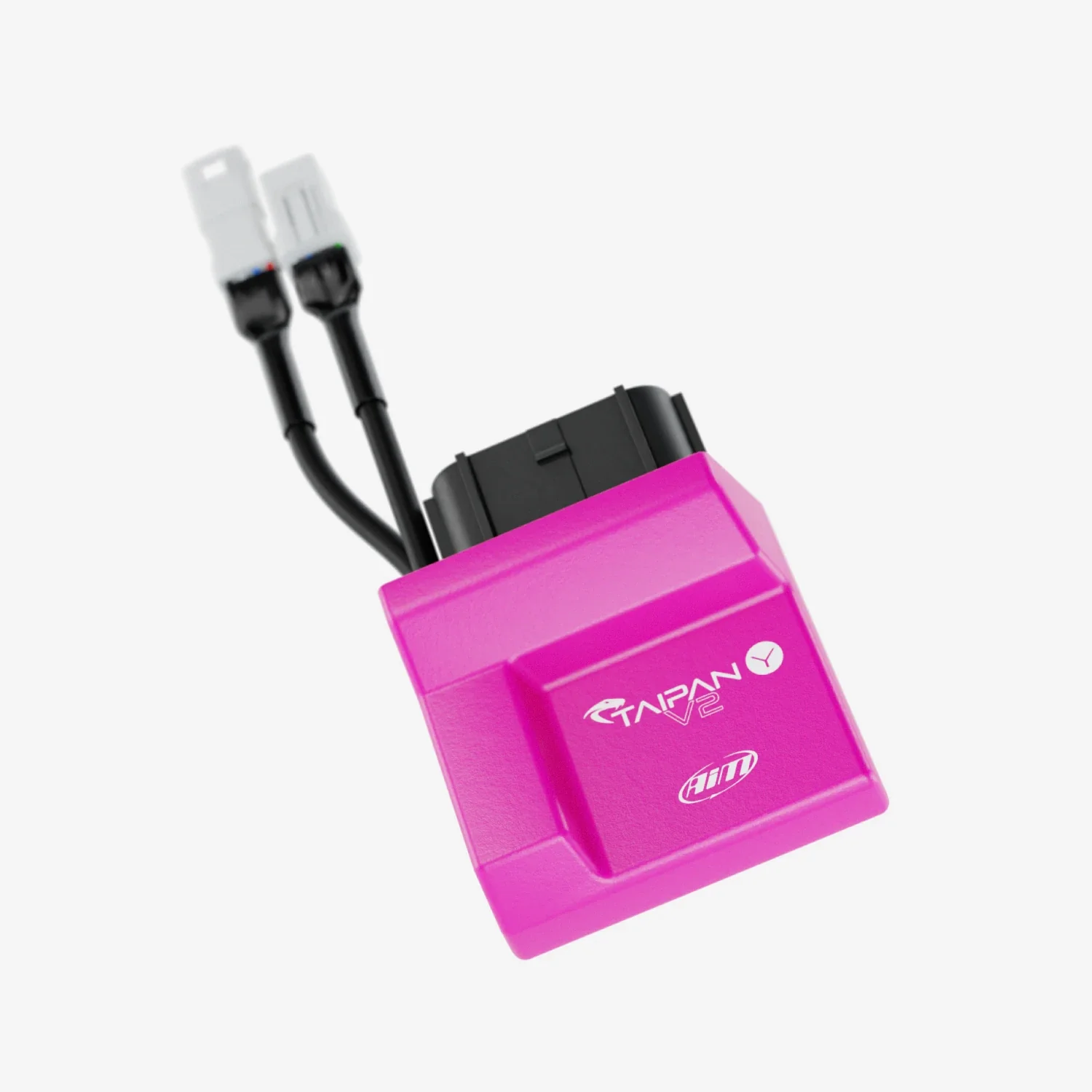
Aim Taipan UC Bridge
AiM Taipan UC Bridge
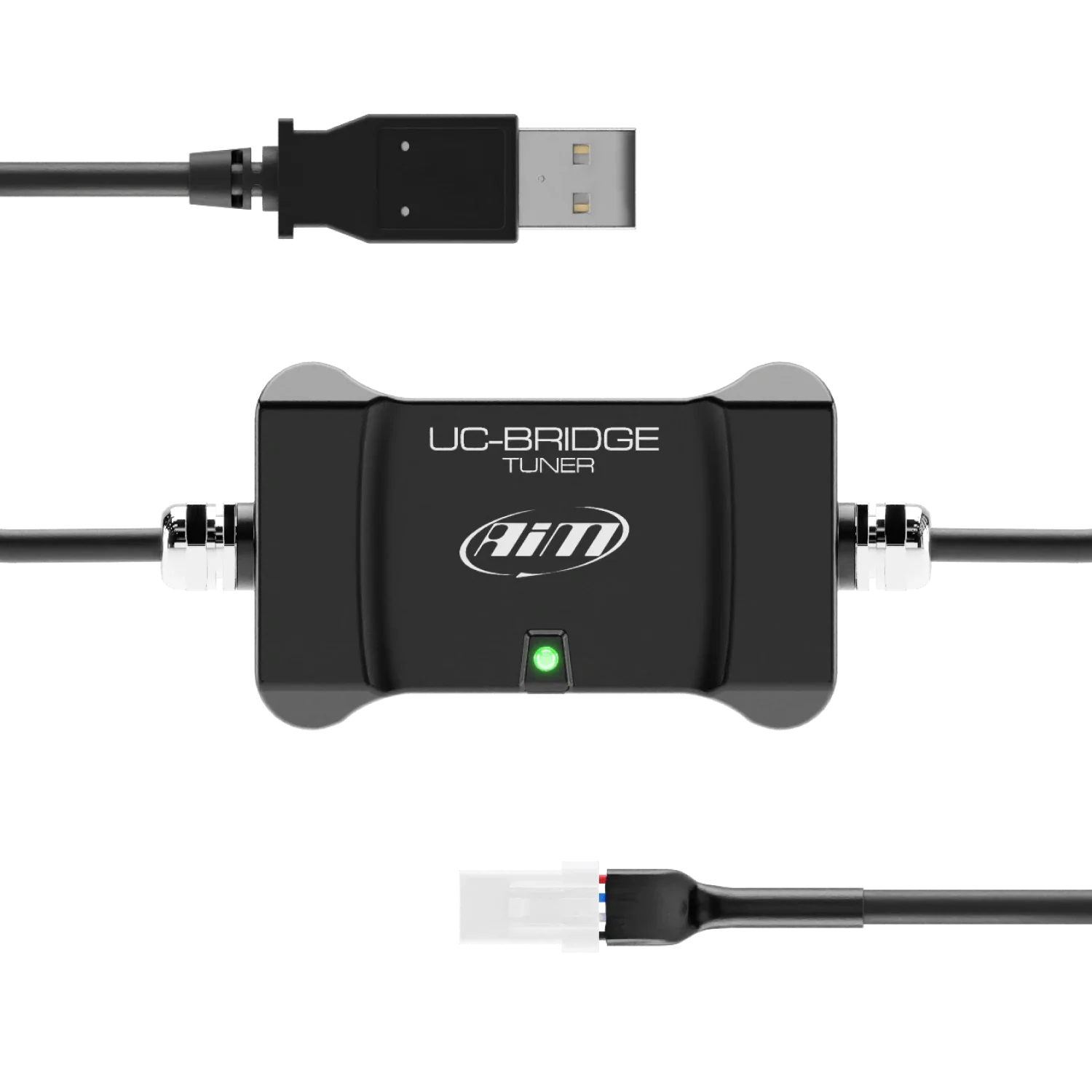
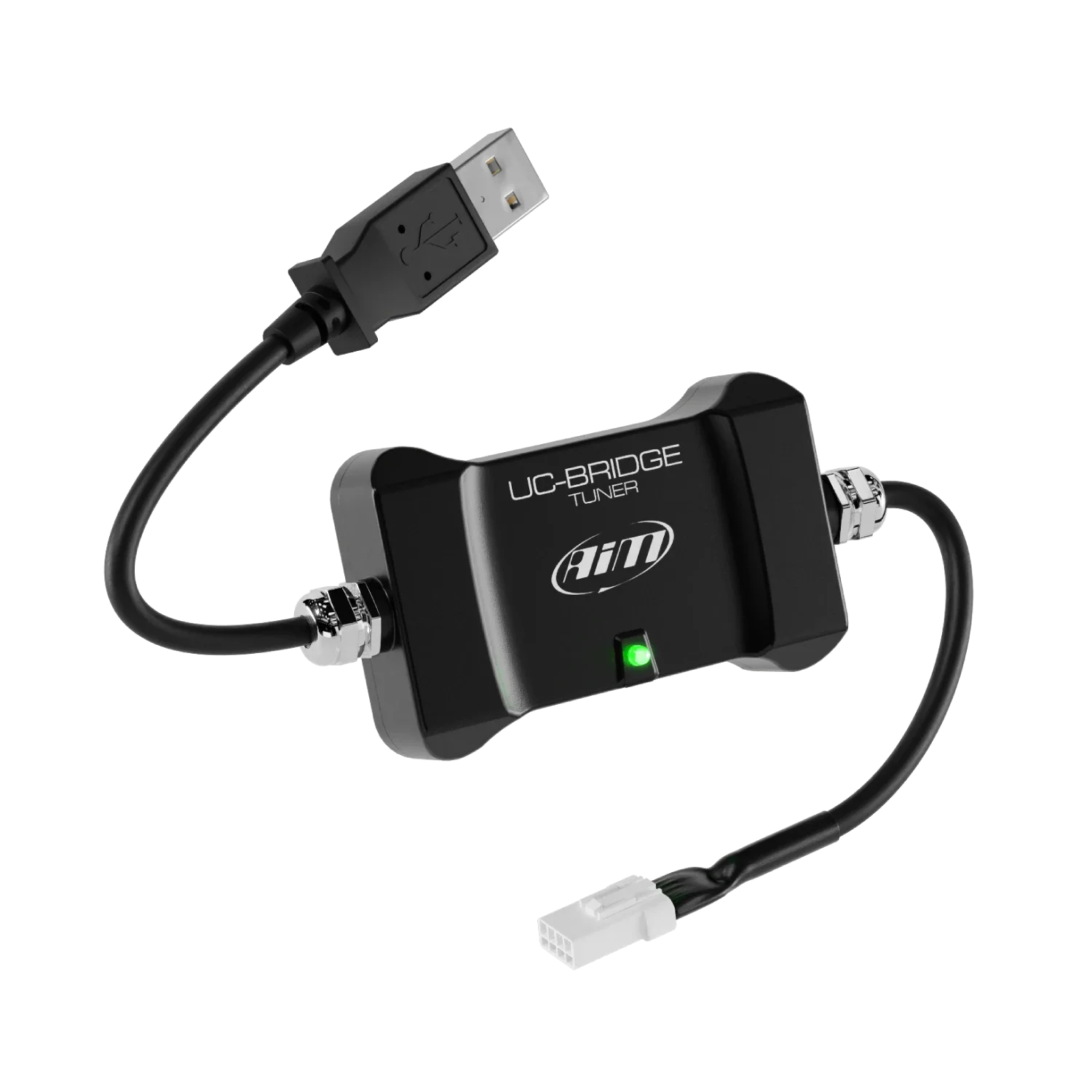
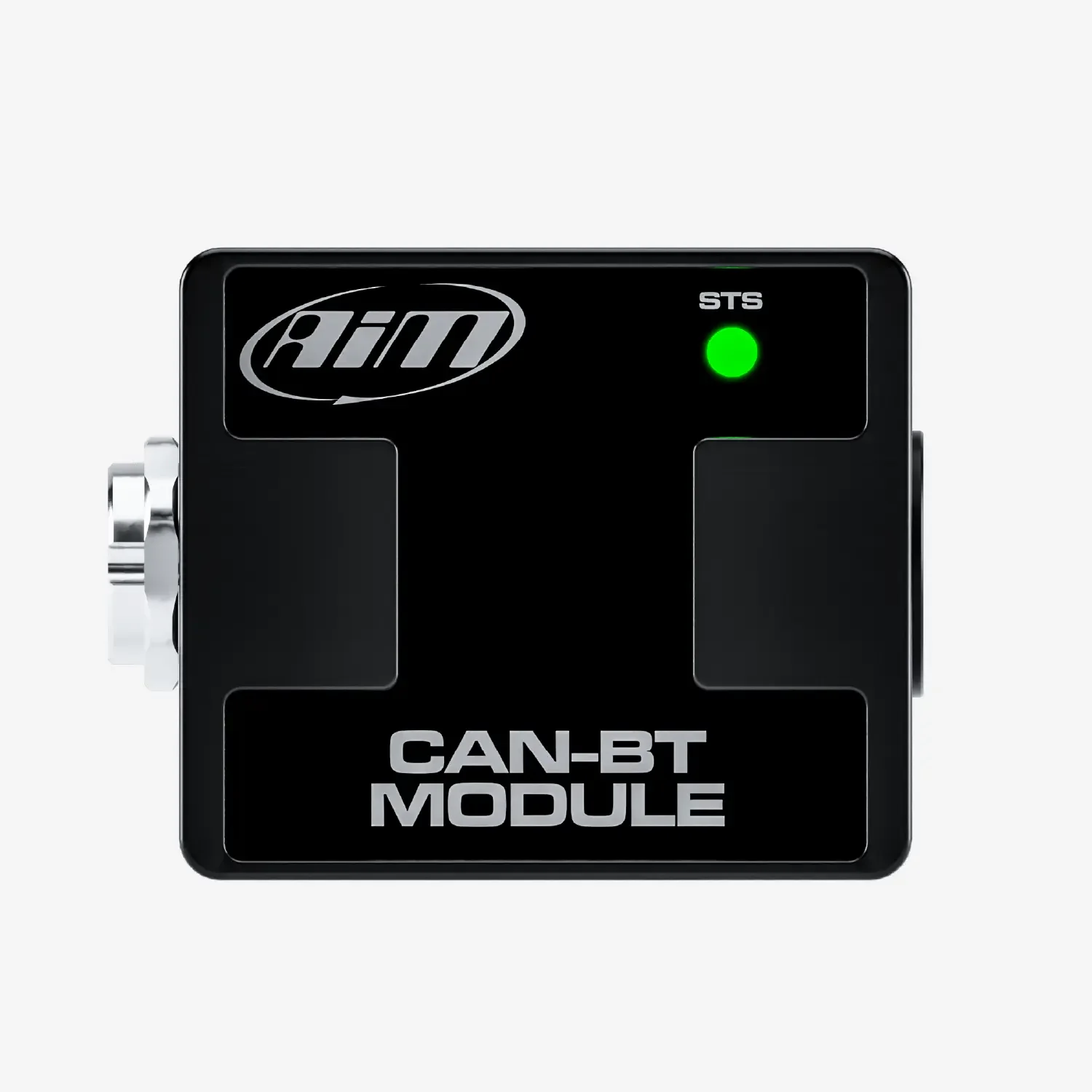
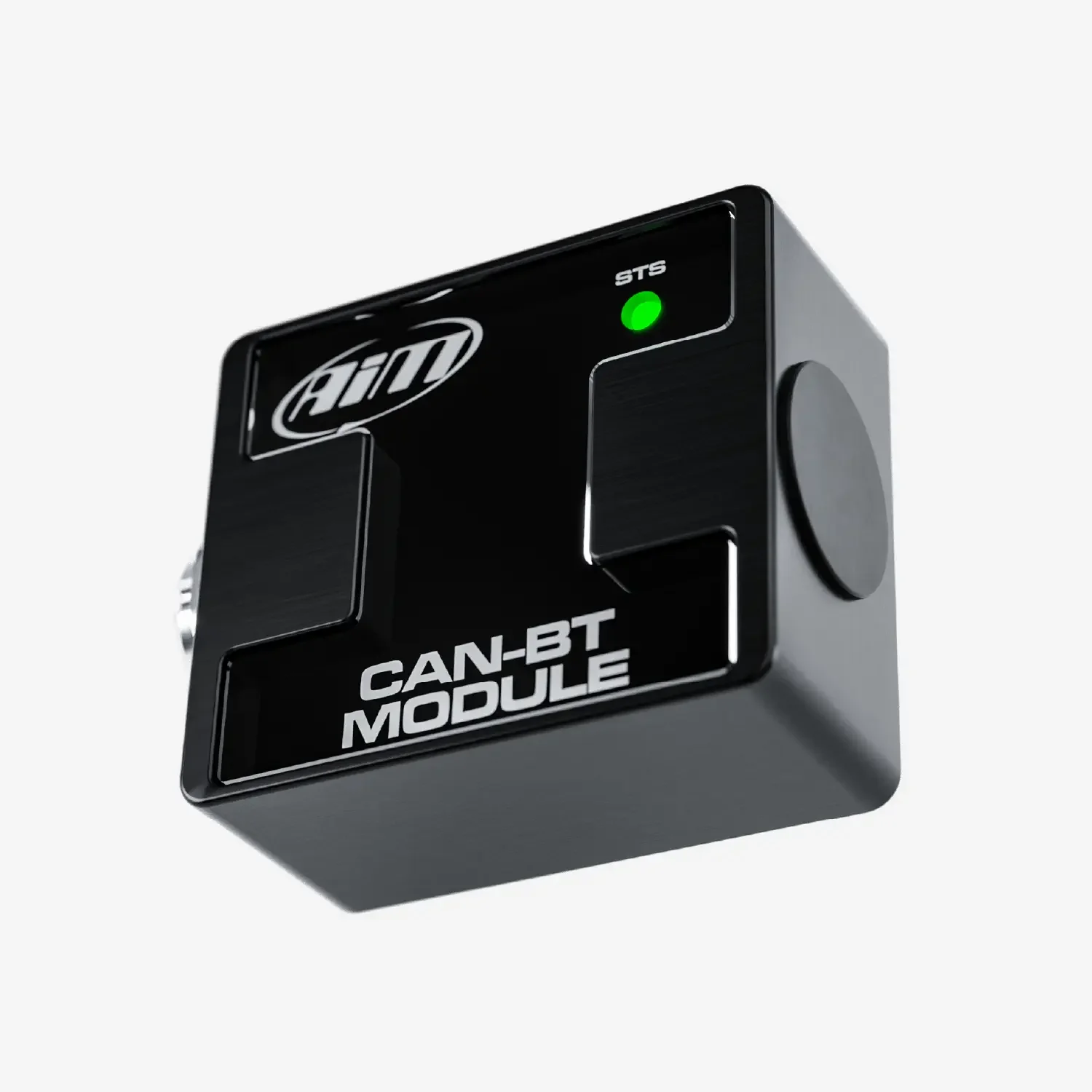
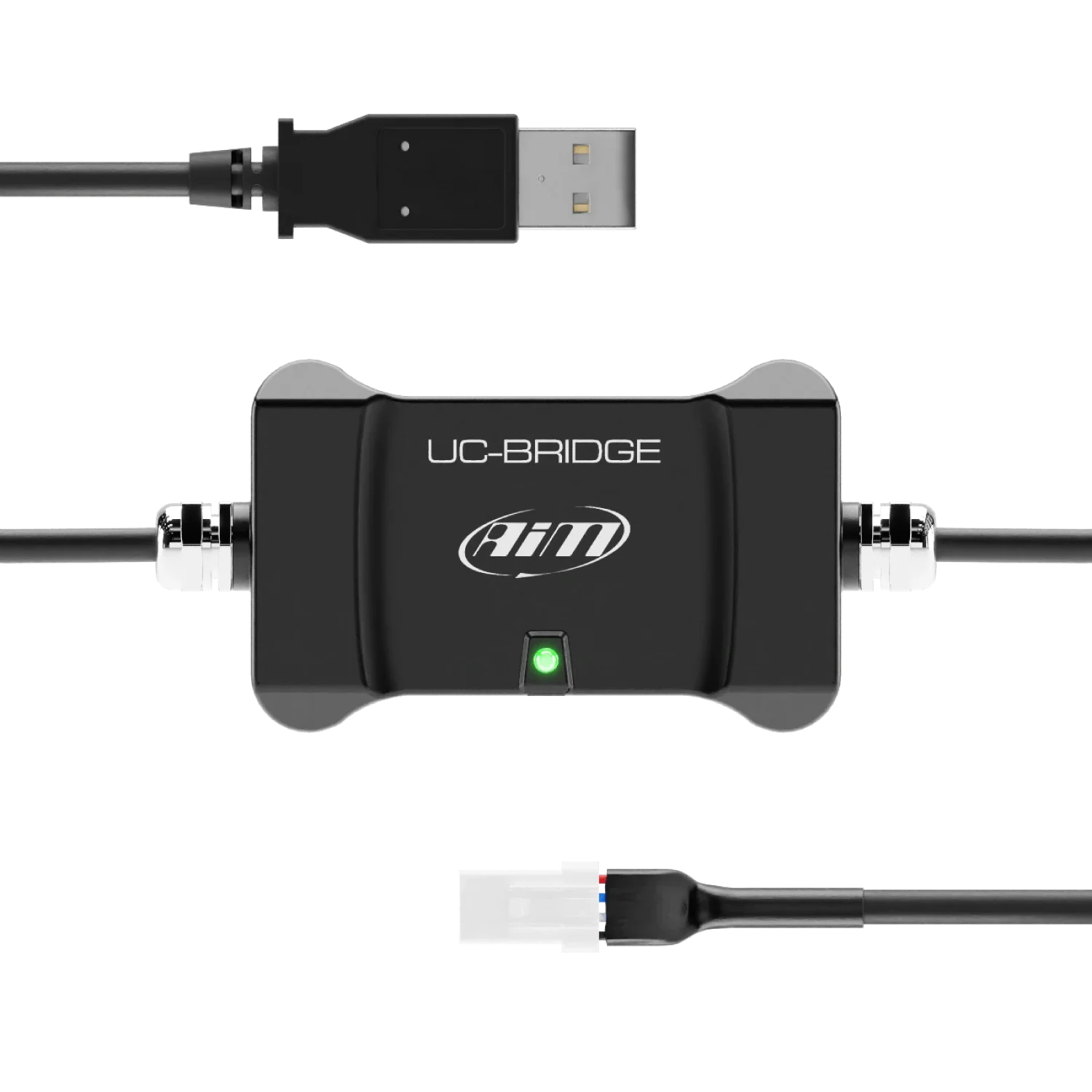
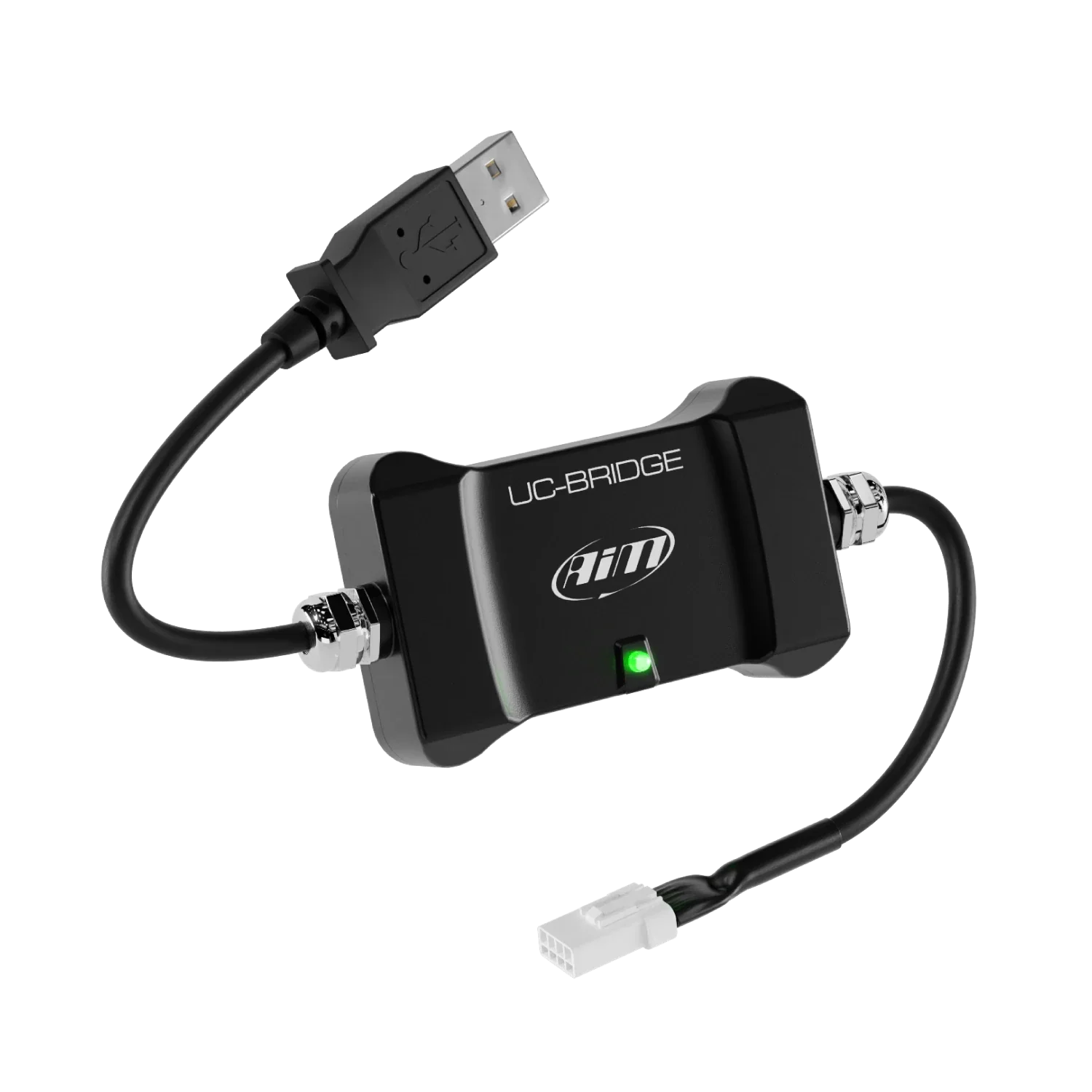
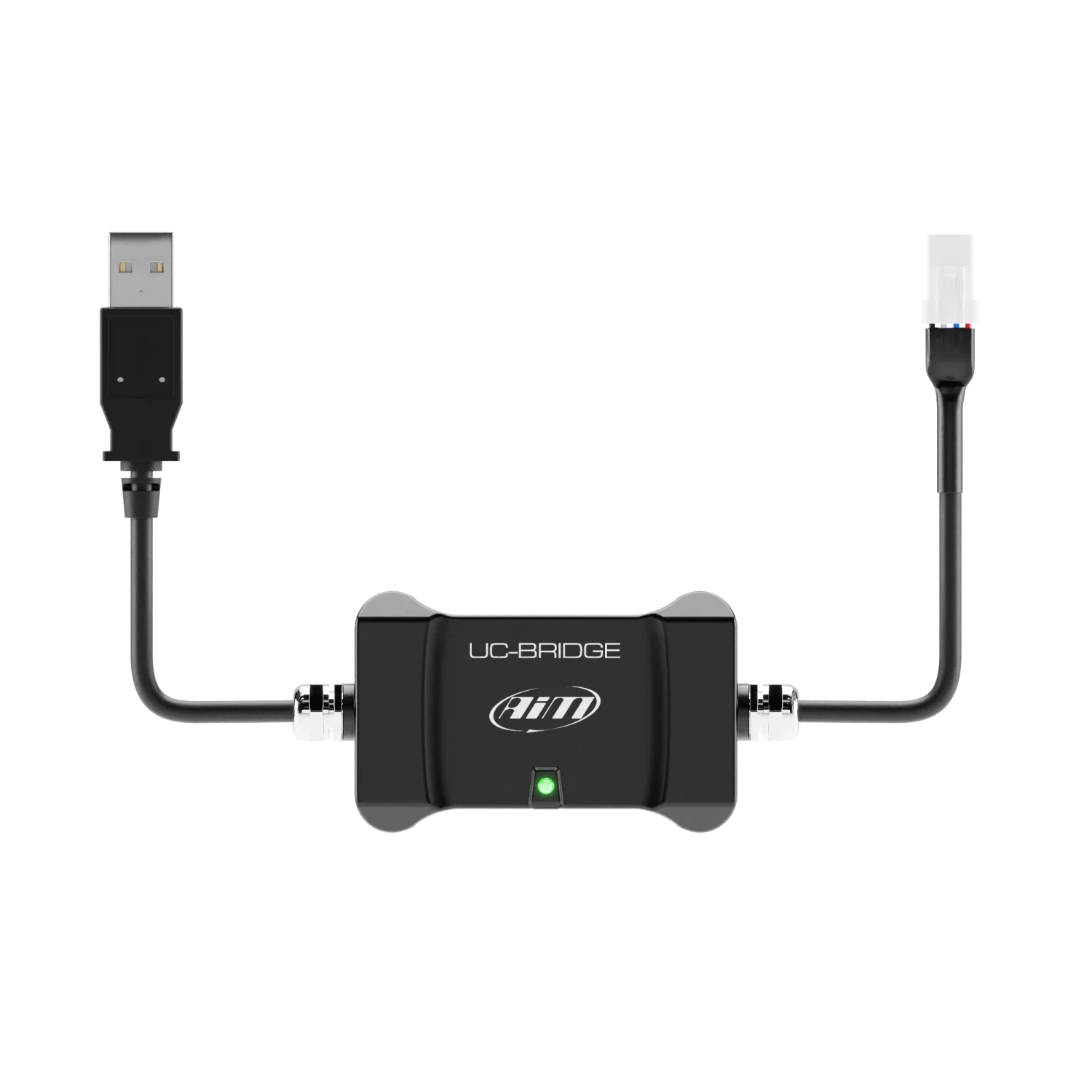
The AiM Taipan UC Bridge is the connection between the CAN bus of the ECU and the USB port of your PC.
Key Features :
| User licence | Basic maps |

AiM Taipan UC Bridge
The AiM UC Bridge is the connection between the CAN-Bus of the ECU and the port USB port of your PC.
It is available in two different licenses.
User License
The Taipan ECU comes with some basic maps that already give you better performances than the stock ones. Some highly professional tuners from around the globe offer specific maps that better fit your requirements, for example managing different exhaust tubes and two injector kits etc.
You will require the UC Bridge for the following two functions:
Transfering new and different maps to your ECU through the User License UC Bridge.
To receive the diagnostic information from the Taipan ECU.
Tuner License
With this license, the tuner can create maps, configurations and strategies designed for the rider's bike. The tuner can flash then directly on the ECU or send an e-mail to allow the rider to download and install them in the ECU.
*Please Note: For information regarding the UC-Bridge Tuner, Please contact one of our AiM technical team for further information.
Taipan ECU Connections - Optional Extra

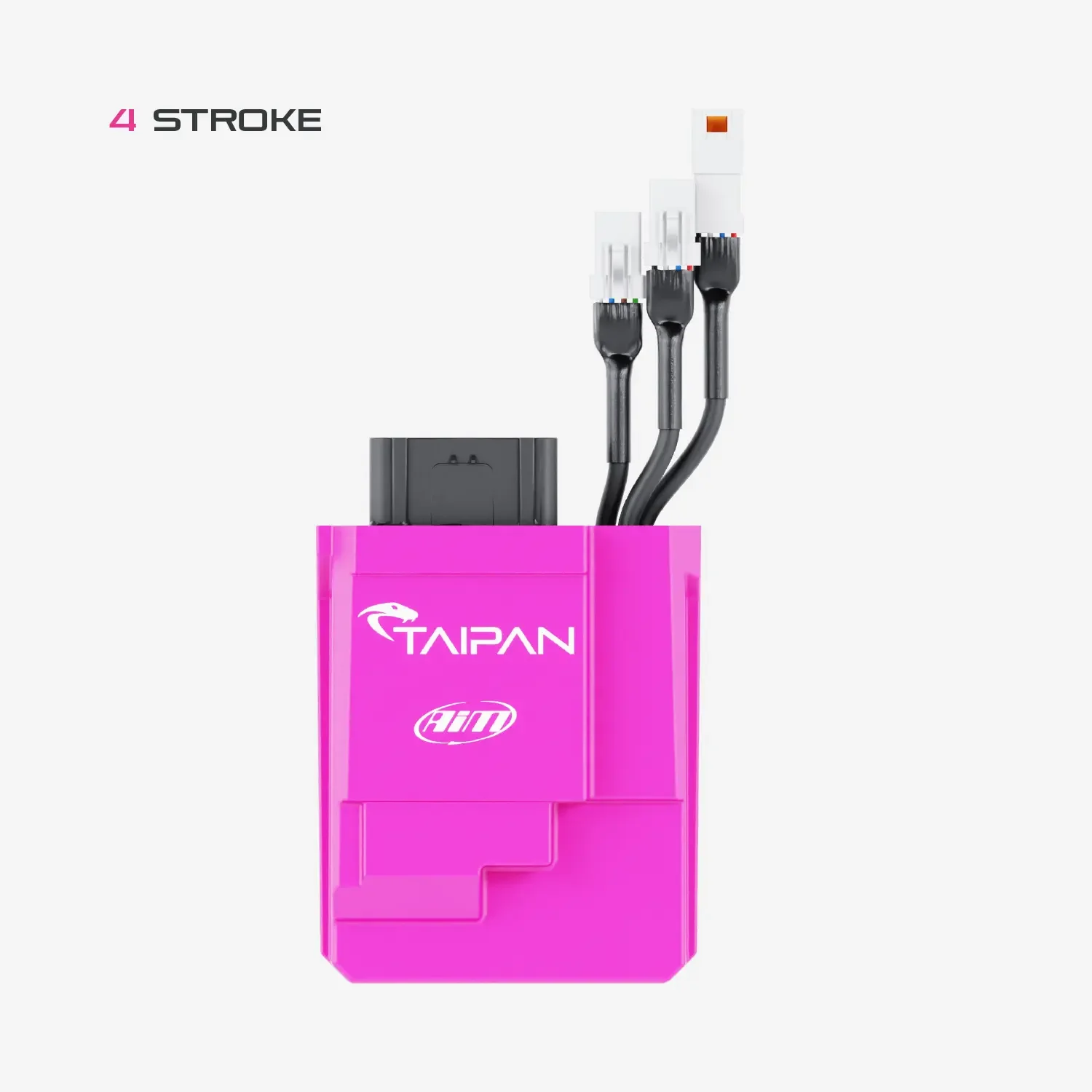
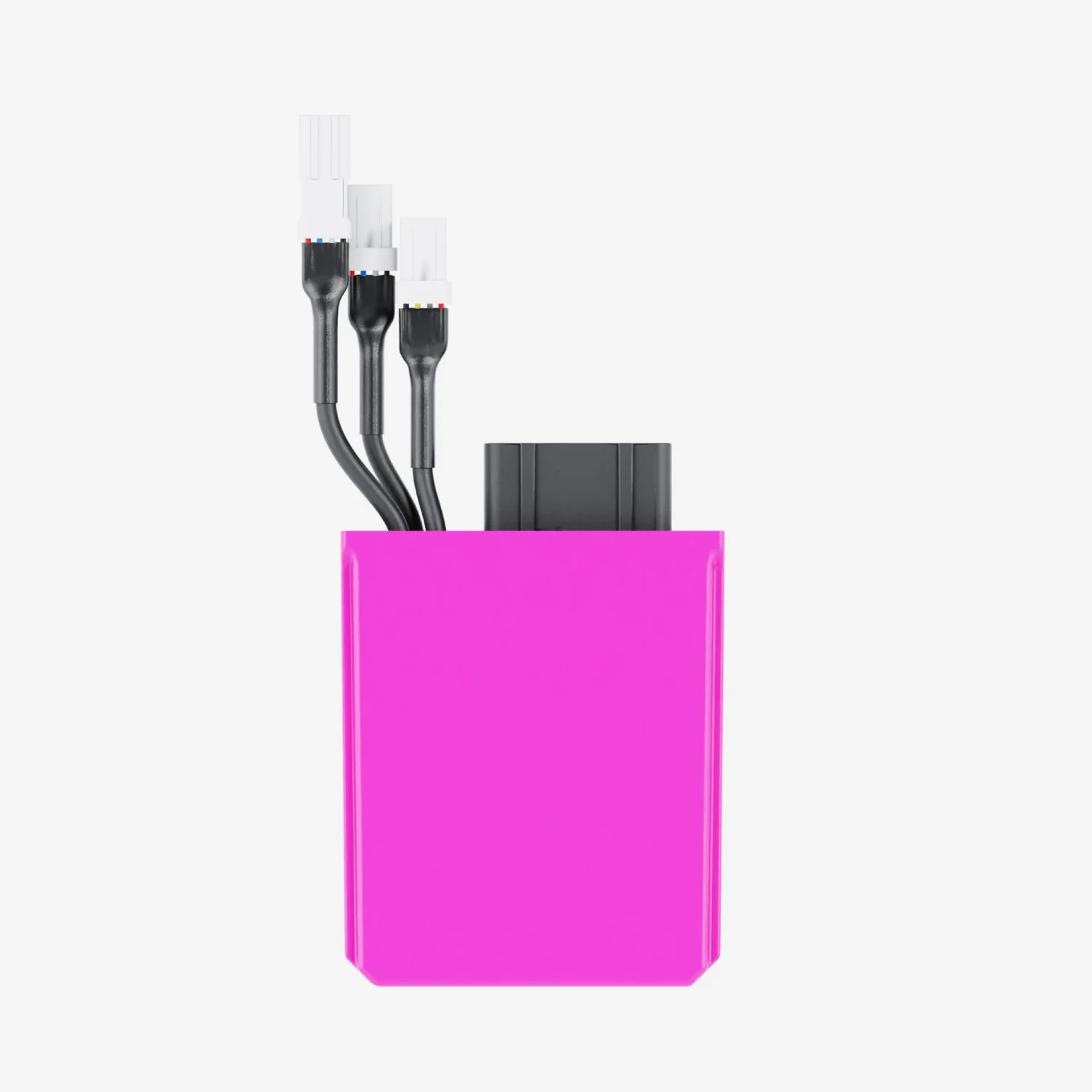
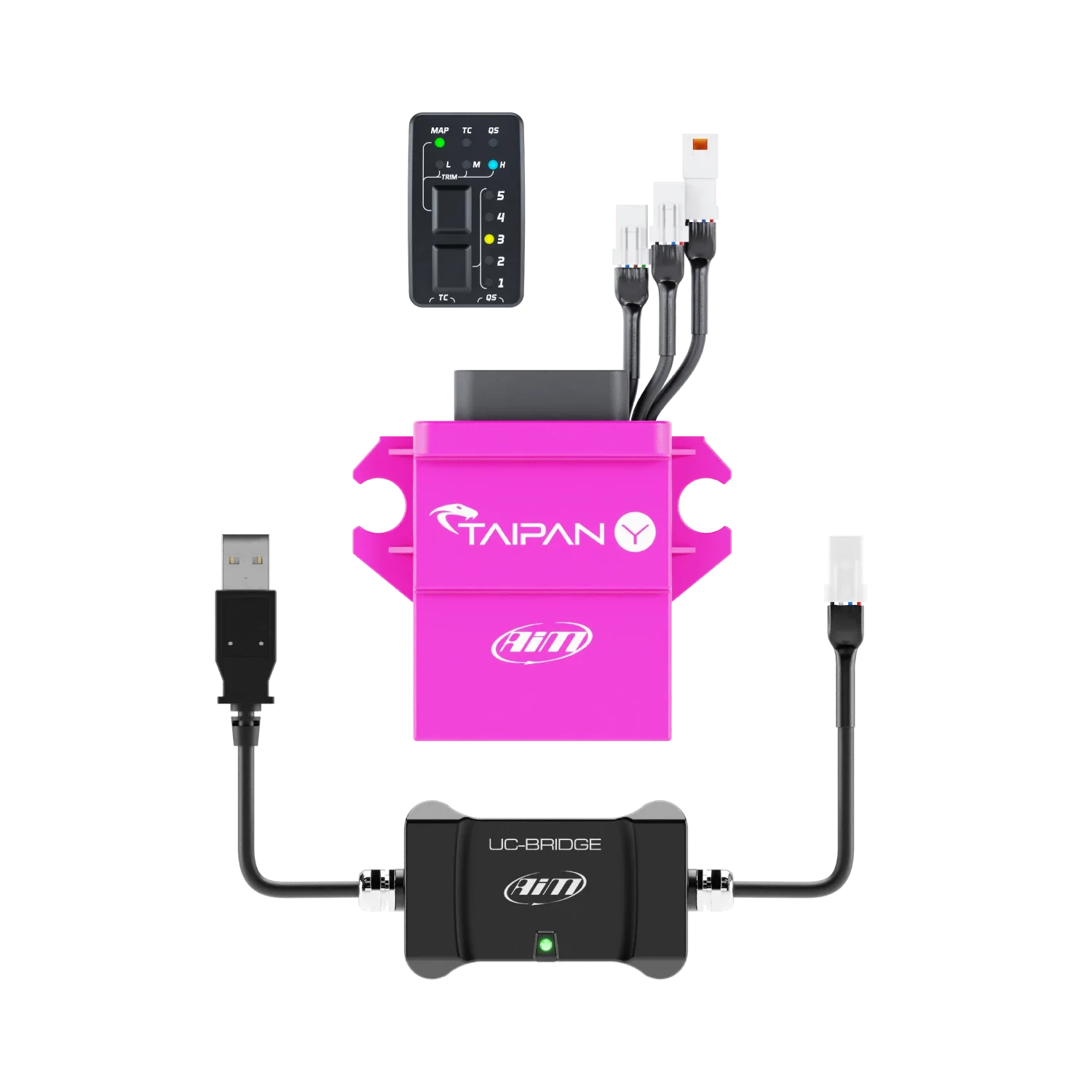
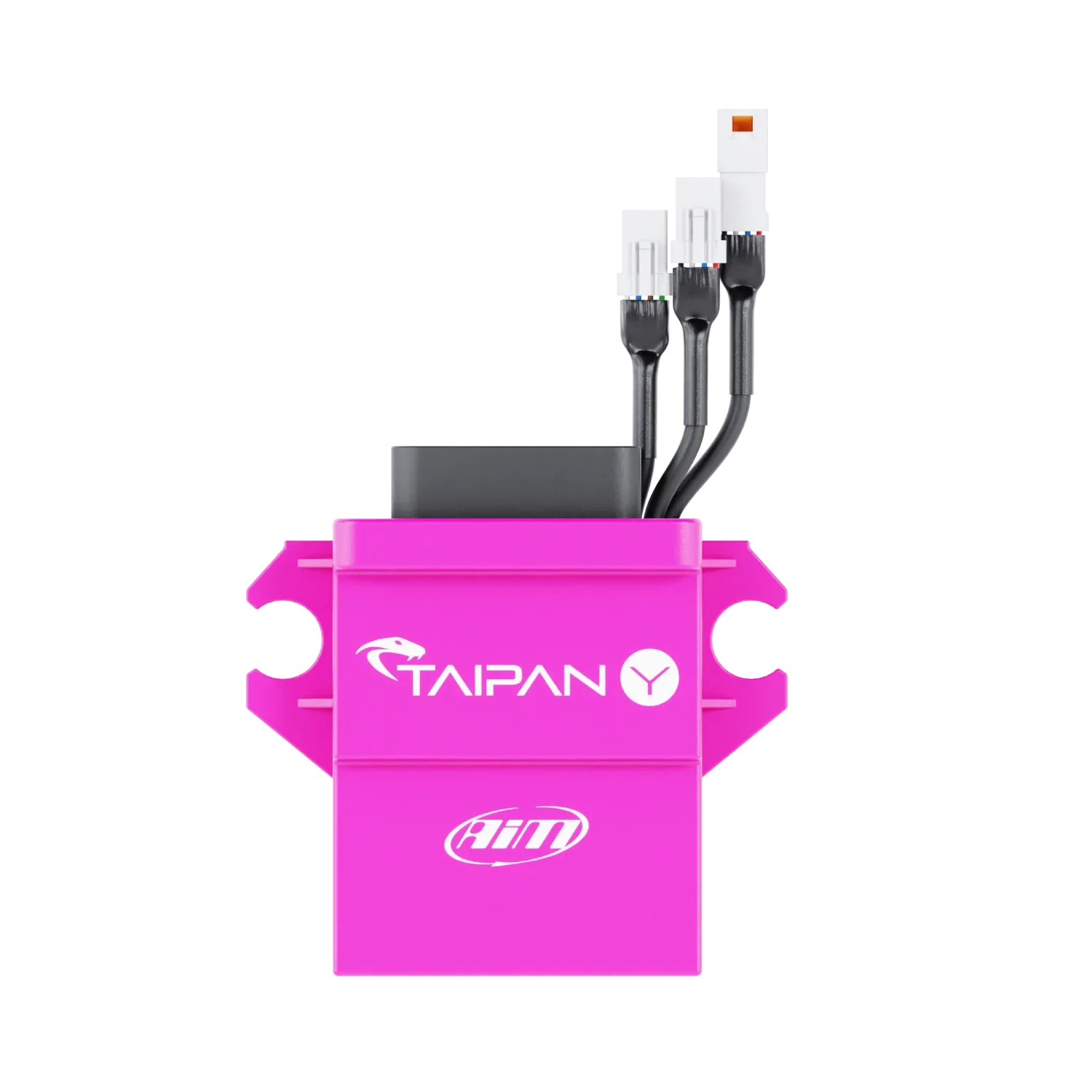
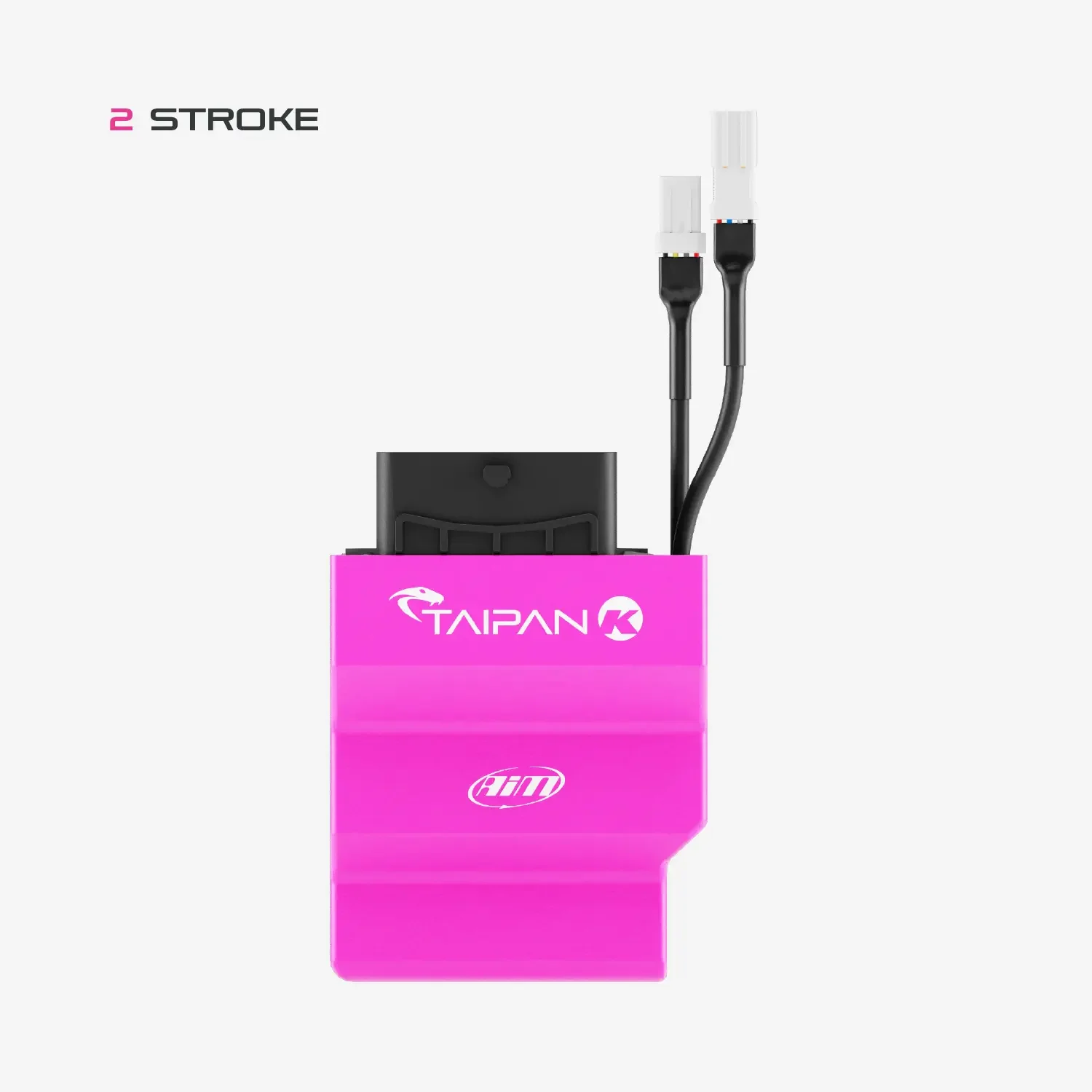
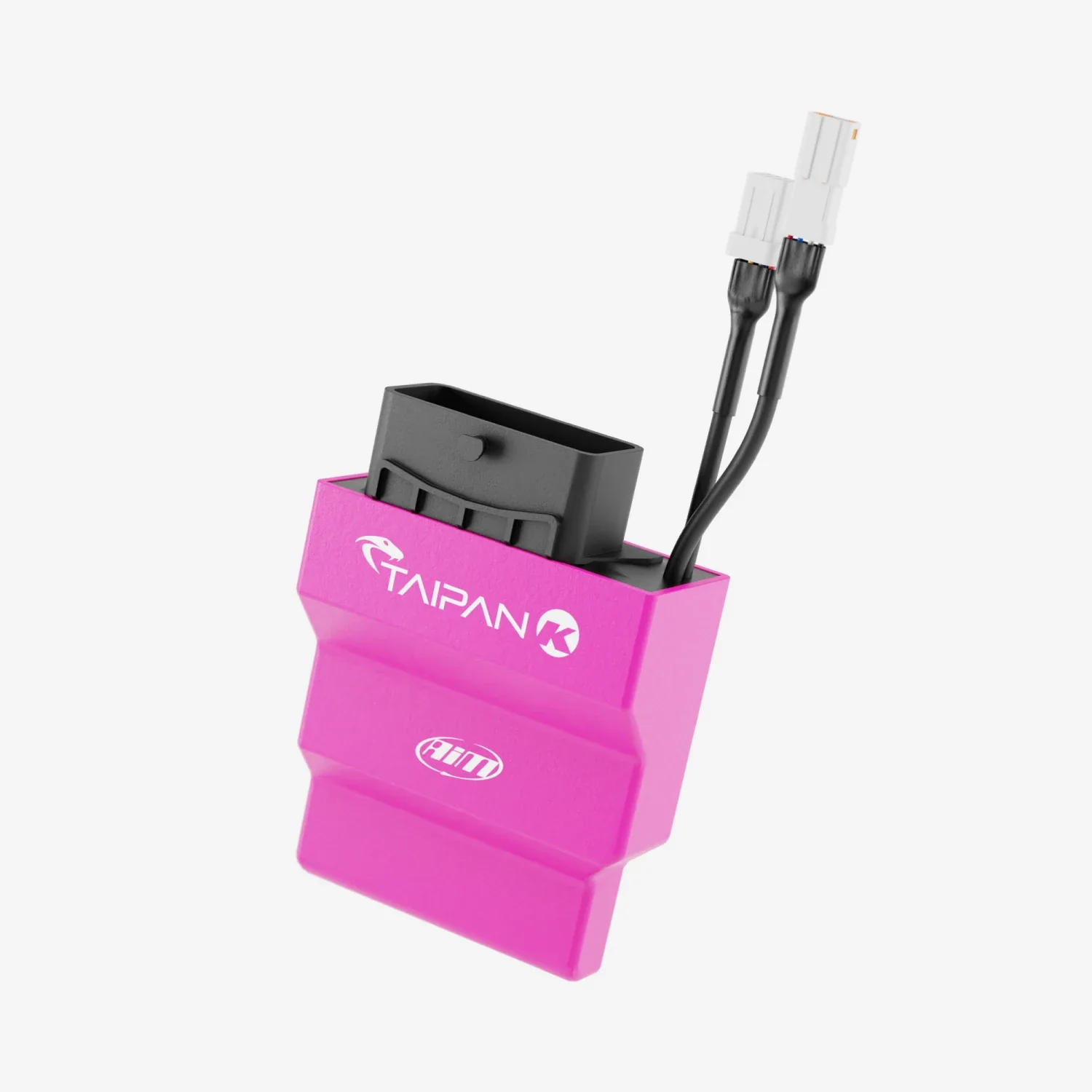
The Taipan ECU has 4 connectors :
Main Connector - Compatible with most off-road bikes.
CAN Connector - Connects to the Handlebar Switch and Data Logger.
2nd CAN Connector - Connect to the UC Bridge, in order to communicate with the PC.
3rd Connector - Connect to spare analogue inputs and to a possible second injector.
Aim Handlebar Switch - Optional Extra

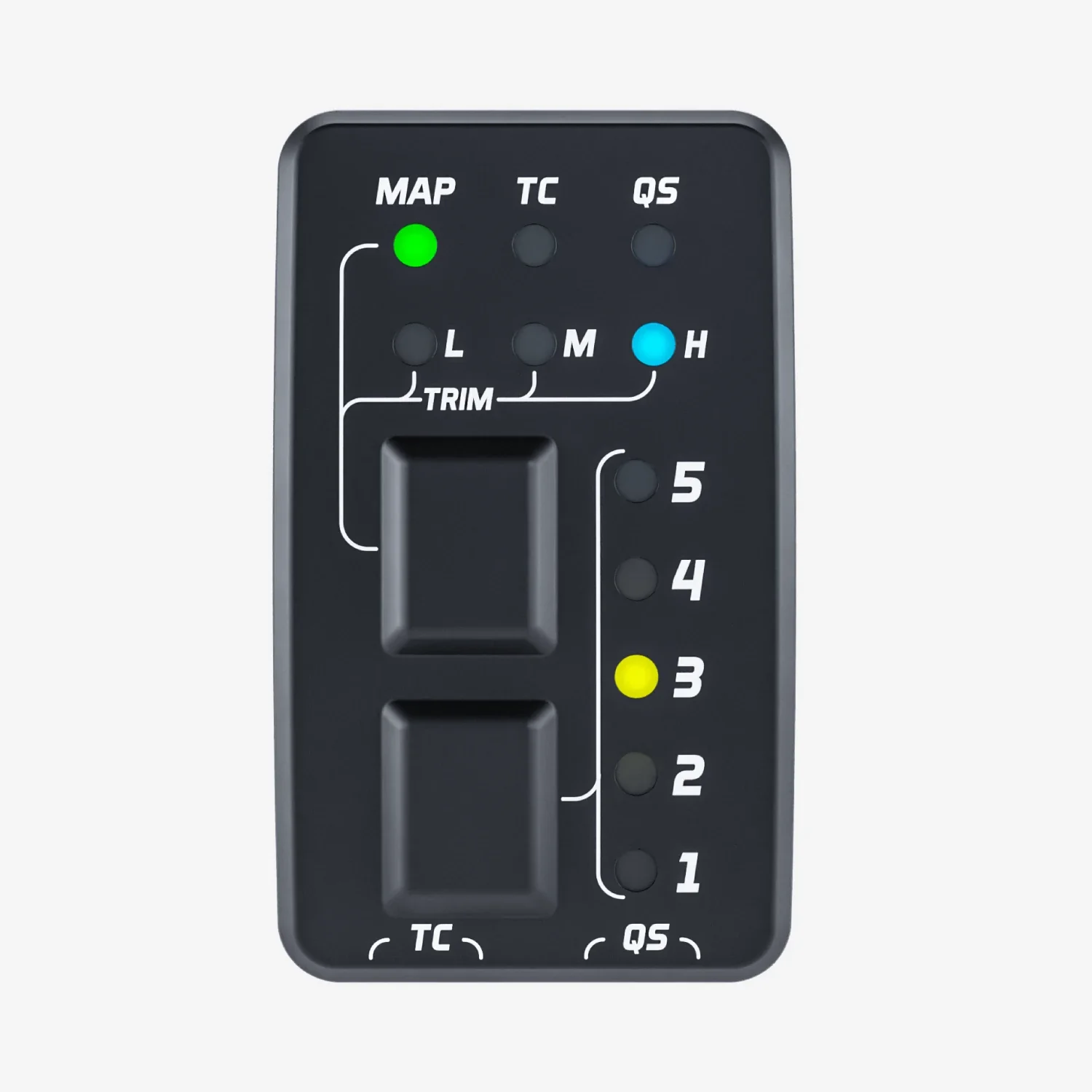
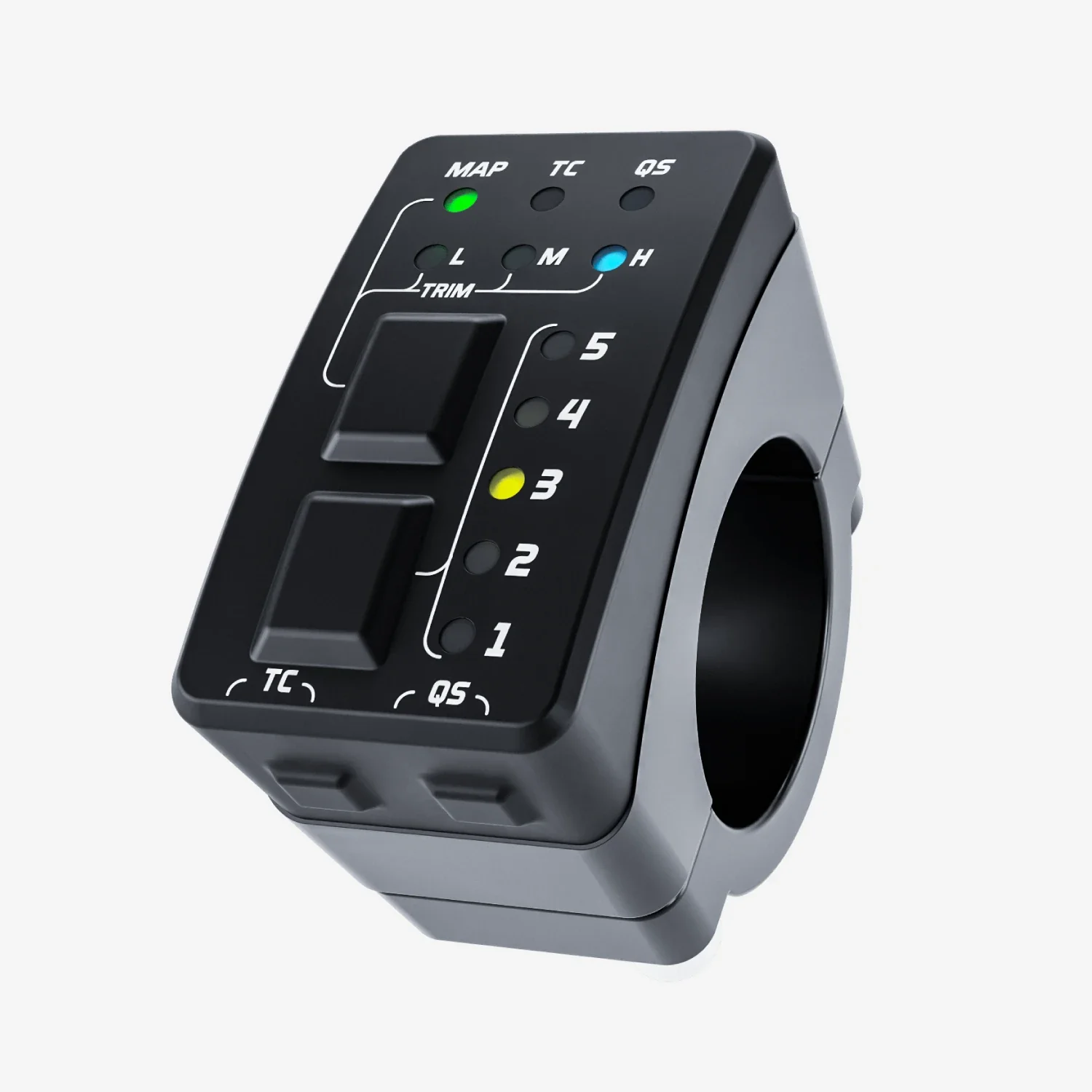
The Aim Handlebar Switch is the best way for changing the behaviour of your bike; it features 2 pushbuttons, 10 LEDs and manages the following settings :
| Up to 5 selectable maps | Apply fuel corrections |
| Activate traction control | Activate launch control |
The handlebar switch can also be used as a shift light module.
 |
 |
 |
Technical
AiM Taipan UC Bridge Technical Specifications and pinout
- Connectors: n. 1 USB connection for PC
- n. 1 JST 04R-JWPF-VSLE-S waterproof Connector for CAN Bus communication
- Body: PA6 + 30% glass fiber
- Dimensions: 103.5 x 45.3 x 18.1mm
- Waterproof: IP65
- Weight: 80g


What's in The Box
AiM Taipan UC Bridge
- 1 x Taipan UC Bridge
Video
Downloads
 |
 |
 |
| User Guide | Technical sheet | Race Studio 3 |
Original: $114.42
-65%$114.42
$40.05Product Information
Product Information
Shipping & Returns
Shipping & Returns
Description
AiM Taipan UC Bridge
The AiM Taipan UC Bridge is the connection between the CAN bus of the ECU and the USB port of your PC.
Key Features :
| User licence | Basic maps |
AiM Taipan UC Bridge
The AiM UC Bridge is the connection between the CAN-Bus of the ECU and the port USB port of your PC.
It is available in two different licenses.
User License
The Taipan ECU comes with some basic maps that already give you better performances than the stock ones. Some highly professional tuners from around the globe offer specific maps that better fit your requirements, for example managing different exhaust tubes and two injector kits etc.
You will require the UC Bridge for the following two functions:
Transfering new and different maps to your ECU through the User License UC Bridge.
To receive the diagnostic information from the Taipan ECU.
Tuner License
With this license, the tuner can create maps, configurations and strategies designed for the rider's bike. The tuner can flash then directly on the ECU or send an e-mail to allow the rider to download and install them in the ECU.
*Please Note: For information regarding the UC-Bridge Tuner, Please contact one of our AiM technical team for further information.
Taipan ECU Connections - Optional Extra
The Taipan ECU has 4 connectors :
Main Connector - Compatible with most off-road bikes.
CAN Connector - Connects to the Handlebar Switch and Data Logger.
2nd CAN Connector - Connect to the UC Bridge, in order to communicate with the PC.
3rd Connector - Connect to spare analogue inputs and to a possible second injector.
Aim Handlebar Switch - Optional Extra
The Aim Handlebar Switch is the best way for changing the behaviour of your bike; it features 2 pushbuttons, 10 LEDs and manages the following settings :
| Up to 5 selectable maps | Apply fuel corrections |
| Activate traction control | Activate launch control |
The handlebar switch can also be used as a shift light module.
| |
|
|
Technical
AiM Taipan UC Bridge Technical Specifications and pinout
- Connectors: n. 1 USB connection for PC
- n. 1 JST 04R-JWPF-VSLE-S waterproof Connector for CAN Bus communication
- Body: PA6 + 30% glass fiber
- Dimensions: 103.5 x 45.3 x 18.1mm
- Waterproof: IP65
- Weight: 80g
What's in The Box
AiM Taipan UC Bridge
- 1 x Taipan UC Bridge
Video
Downloads
|
|
|
|
| User Guide | Technical sheet | Race Studio 3 |